What Deep Work Means
Cal Newport uses deep work to describe distraction-free effort on a cognitively demanding task. It pushes your abilities, creates meaningful value, and is difficult to reproduce while checking messages or switching between tabs.
Shallow work is different: email, routine administration, and other low-concentration tasks that can be done while distracted. Shallow work is necessary, but deep work is often where the most important thinking happens.
Why Switching Attention Costs More Than It Seems
Checking a message ‘for a second’ is not free. When you move from one task to another, part of your attention can remain attached to the previous task. The more often you switch, the more of the day you spend in a diluted state.
That is why an interruption-heavy day can feel exhausting while producing little. You are not doing deep work or shallow work well; you are repeatedly paying the cost of starting over.
- Batch messages instead of checking them continuously.
- Protect the edges of a focus session from meetings and notifications.
- Leave a short note so the next session can restart quickly.
Time Blocking Turns Intention Into a Place
Time blocking assigns a task to a specific period on your calendar. A to-do item is a wish that can always be postponed; a time block is a decision that occupies real space. ‘Work on the report’ becomes ‘9:00–10:30, draft the findings section.’
That definition gives deep work a start, an end, and one job. It also exposes overcommitment early. When the day changes, move or resize the block instead of treating the entire plan as failed.
- Choose one outcome for the block.
- Schedule it before opening the inbox.
- Add a realistic buffer around the session.
- Reschedule when reality changes.
Pair the Block With a Focus Timer
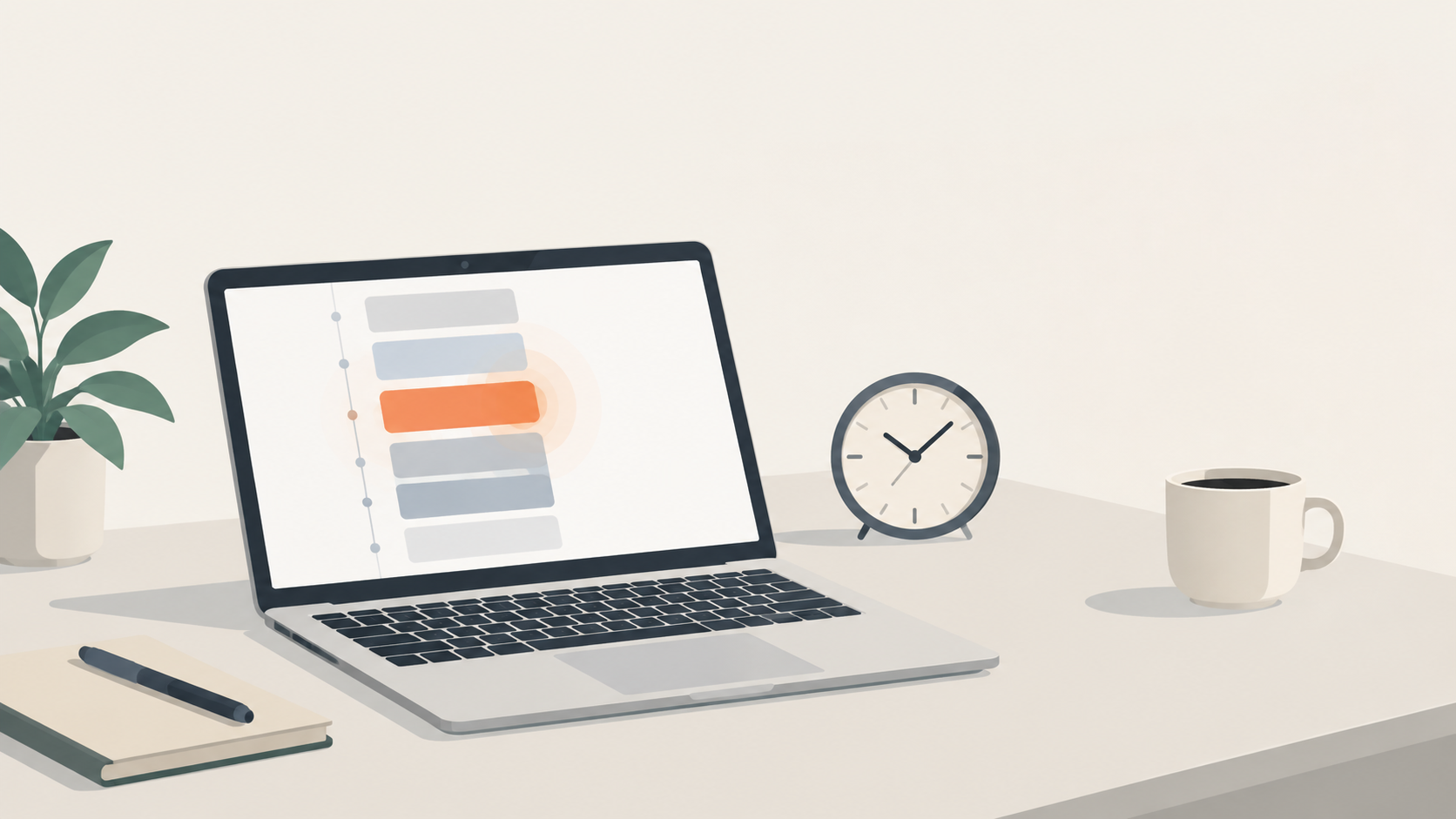
Planning is only half the loop. When the block begins, a focus timer provides a clear signal to enter the work and a boundary for the session. ChronoBlock connects the calendar block and the focus timer so starting does not require another ritual or app switch.
The workflow is simple: capture the task, drag it onto the calendar, start a focus session from the block, and adjust the plan when the day changes. The goal is not a perfect schedule; it is a believable one that makes starting easier.
A Simple Routine to Try This Week
Pick one meaningful work task each day and give it a protected 60–90 minute block before opening your inbox. Start a focus session when the block begins, then review the result at the end of the day. If the block did not hold, ask whether it was too long, too vague, or placed at the wrong time.
You do not need special software. A paper planner works too. ChronoBlock is one option for Windows and macOS that keeps tasks, time blocks, and a focus timer together, stores planning data locally, and offers a 30-day trial followed by a one-time license rather than a subscription.
- Choose one priority.
- Write the first visible action.
- Protect the time before reactive work begins.
- Review the block without judging yourself.
Frequently asked questions
Is time blocking the same as deep work?
No. Deep work is a state of distraction-free effort. Time blocking protects the time in which that state can happen.
How long should a deep-work block be?
Start with 60–90 minutes and adjust to your current capacity, the task, and your energy.
What if the block gets interrupted?
Move or resize it, record the next action, and protect the next realistic window instead of abandoning the plan.