Time blocking defines when work happens
Time blocking is about placing work on a calendar. You decide that writing happens from 9:00 to 10:30, email from 11:00 to 11:30, and exercise at 17:30. It is especially useful for seeing whether your priorities can fit into the day and for protecting focus from meetings and interruptions.
A time block can be flexible. If a task takes longer, you may move the next block. The calendar is a map of intended attention, not a stopwatch that marks the day as failed.
Timeboxing defines how long work may take
Timeboxing puts a hard limit around a task or activity. You might give yourself 25 minutes to outline an article, 45 minutes to clear email, or two hours to explore a design. The box prevents perfectionism and keeps an open-ended task from consuming the rest of the day.
Timeboxing is useful when a task expands to fill available time. It creates a finish line, after which you review the result and decide whether another box is worth spending.
Use both methods together
The methods work well as a pair: time blocking chooses when to work, and timeboxing chooses the maximum duration. Put “outline article” on the calendar from 9:00 to 9:45, set a 45-minute timer, and stop to review when the box ends. This gives your day structure without asking every task to be perfect.
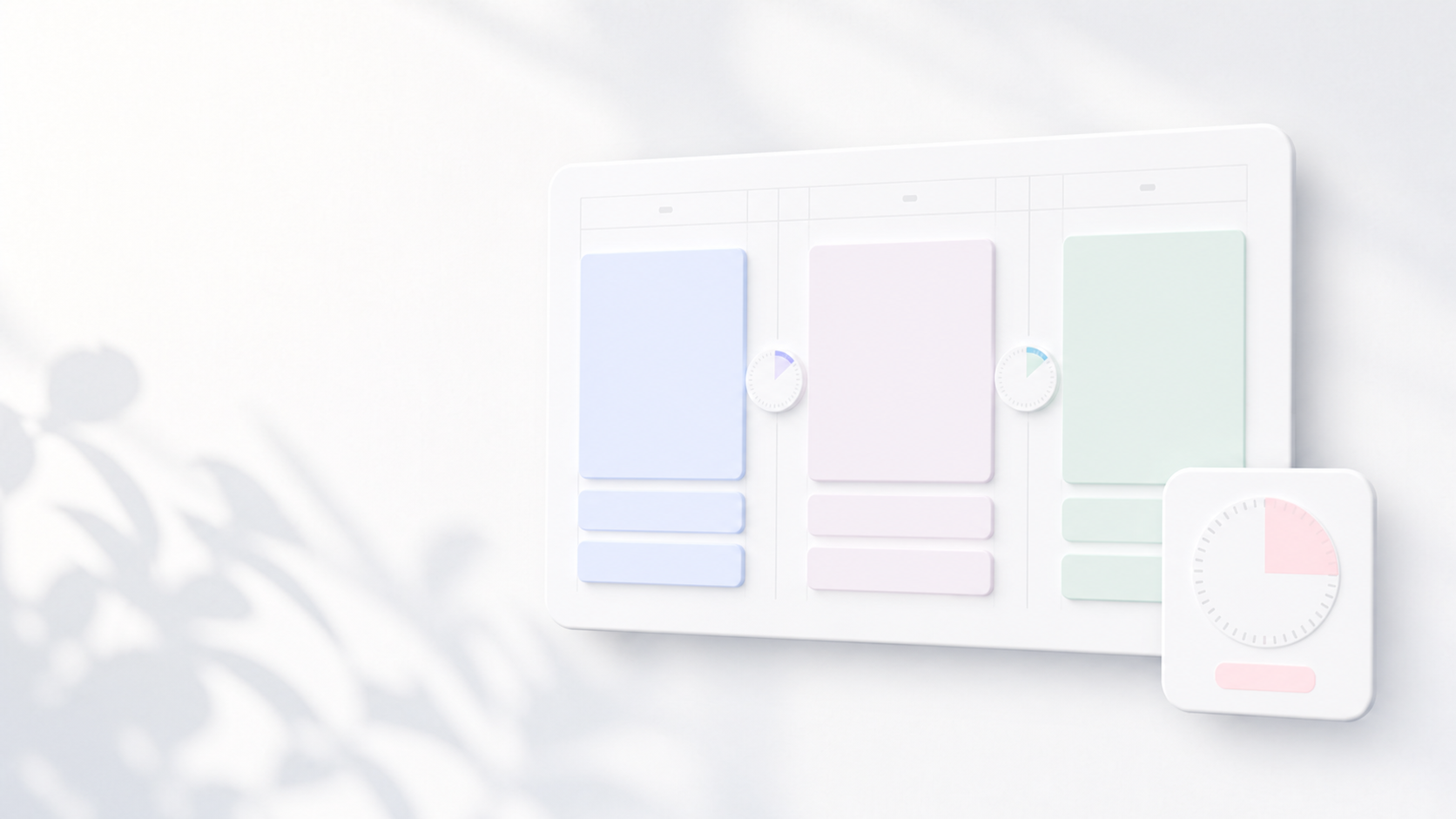
ChronoBlock supports the combined workflow with a visual schedule and an in-block focus timer. Plan the block, start the timer, and move on when the session ends.
Examples That Show the Difference
“Write the report from 9:00 to 11:00” is a time block because it reserves a place in the day. “Stop outlining after 30 minutes” is a timebox because it limits how much time the outline may consume. You can put that 30-minute box inside the larger report block.
The distinction becomes useful when plans change. You may move a time block to protect the work, while keeping the timebox limit unchanged to prevent the task from expanding.
When Timeboxing Can Hurt the Work
A hard limit is not appropriate for every activity. Complex debugging, sensitive conversations, and creative breakthroughs do not always stop cleanly when a timer rings. Use a review point rather than an automatic stop when interruption would destroy valuable context.
Timeboxes can also encourage rushing when the quality threshold is not defined. Decide what a useful result looks like before the timer starts: a rough outline, three options, or a tested hypothesis. The limit controls effort, not the minimum standard.
- Use hard stops for open-ended or low-risk work.
- Use review points for deep or sensitive work.
- Define the expected result before starting.
- Schedule follow-up explicitly if another box is needed.
How to Combine Both in ChronoBlock
Create a calendar block for the outcome and the total time available. Inside that block, use the focus timer for one or more constrained work intervals. After each interval, decide whether to continue, take a break, or record the next step.
This approach preserves the calendar’s view of the whole day while giving individual tasks a boundary. It is especially useful for email, research, planning, and early drafts—work that can grow indefinitely without a visible stopping rule.