The short version
TickTick is a mature, feature-rich task manager with a calendar view bolted on. ChronoBlock is a focused tool built around time blocking from day one. If you want a giant do-everything task app, TickTick is excellent. If time blocking is the whole point and you value a calm, private, single-purpose workflow, ChronoBlock fits better.
What TickTick does well
It is easy to see why TickTick is one of the most recommended task managers in 2026 roundups. It aligns closely with the Getting Things Done framework, letting you capture everything in one place and trust the system. It integrates with popular tools like Outlook, Slack, and Gmail, and its strength lies in task prioritization and multiple viewing options, so critical tasks do not slip when you map out your day. It also offers a genuinely useful free version, and review platforms consistently give it high marks for its price point.
Where TickTick falls short
For time blocking specifically, the gaps are real. Calendar views and timelines are locked behind the paid Premium plan, and there is no built-in time tracking or time reporting, so you cannot see how much each block actually consumed. Users also report a cluttered, overcrowded interface, habits that still cannot be scheduled directly on the calendar, and weak natural-language time entry that misreads phrases like "meeting at 3:30." Even the useful desktop widget is a paid feature. None of this makes TickTick bad — it makes it a generalist, not a specialist.
Time blocking experience
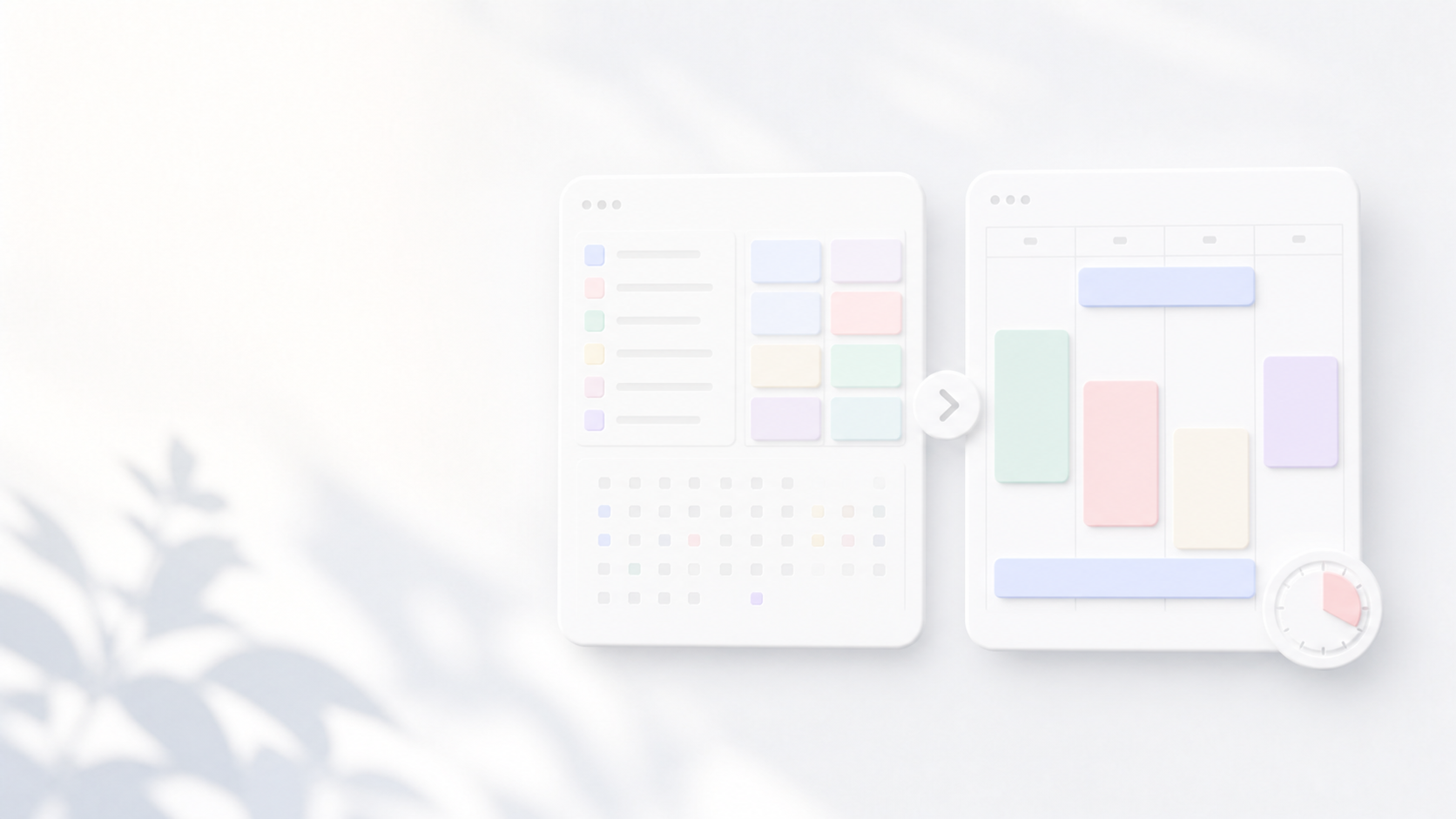
Many users adopt TickTick for time blocking and then discover it was not really designed for it, with awkward dragging, confusing recurring-task edits, and calendar features that feel like add-ons. ChronoBlock keeps tasks and calendar in one screen so you drag a to-do straight onto a slot, resize it instantly, and see the true shape of your day at a glance.
Focus and Pomodoro
Both apps offer a focus timer. In ChronoBlock the Pomodoro timer is woven into the time-blocking view itself, so you start a session on the block you are already planning, without jumping between modes.
Privacy and data
TickTick is a cloud service that syncs your data to its servers. ChronoBlock stores your data locally on your device and does not read it, which matters if your schedule contains sensitive personal or work information.
Pricing
TickTick's Premium plan is affordable and frequently praised for its value, but it is a subscription that repeats every year, and the most useful calendar features only unlock at that tier. ChronoBlock is a one-time payment for lifetime access, with a 30-day free trial to start and no recurring bill to remember. For a tool you use every day, that difference adds up quickly.
The five dimensions, side by side
- Time blocking experience — TickTick: capable but calendar feels like an add-on. ChronoBlock: built for it from day one, drag a task straight onto a slot.
- Focus tools — Both offer timers; ChronoBlock's Pomodoro lives inside the planning view, so you never leave the block you are working on.
- Privacy — TickTick syncs your data to the cloud. ChronoBlock stores everything locally and does not read it.
- Price — TickTick's best features sit behind a recurring Premium subscription. ChronoBlock is a one-time payment for lifetime access.
- Ease of use — TickTick is powerful but busy; ChronoBlock is calm and single-purpose, with nothing extra to learn.
Bottom line
Choose TickTick if you want an all-purpose task manager with habits, lists, and light scheduling — especially if you are happy to subscribe. Choose ChronoBlock if you specifically want the cleanest, most private time blocking experience, with a one-time price and no system to learn. Try ChronoBlock free and compare the two side by side on your own calendar.
Compare the Daily Workflow, Not Just the Feature List
A fair comparison begins with the repeated actions you perform every day. Measure how long it takes to capture a task, give it time, move it when a meeting appears, begin focused work, and review what was completed. A product with more features can still create more friction for a narrow time-blocking workflow.
ChronoBlock centers the desktop calendar, local planning, and built-in focus timer. TickTick covers a broader task-management ecosystem and cloud-connected use cases. The better choice depends on whether you value a focused local workspace or a wider set of synchronized task features.
A Simple Two-Week Comparison Test
Use each app for one normal workweek with the same planning routine. Track how often you avoid opening the planner, how quickly you repair schedule changes, and whether unfinished tasks remain understandable the next morning. Do not migrate years of data before this test.
At the end, choose the tool that makes the desired behavior easier. If you need shared lists and multi-device synchronization, that requirement should outweigh visual preference. If you want a calm desktop time-blocking loop with local data, prioritize that instead.
- Test task capture speed.
- Test drag-and-drop rescheduling.
- Test focus-session startup.
- Test offline behavior.
- Review account, pricing, and data-storage requirements.